Local SEO for Florists in San Francisco: How Flower Shops Get Found on Google
Short answer: local SEO for florists starts with a Google Business Profile, formerly known as Google My Business, that matches your real floral shop. That means the name on your storefront, one specific category, true hours and an honest address or service area. Photos, customer reviews and your florist website should then say the same thing. This guide is for San Francisco florists who want to get found by local customers when someone types “florist near me” on a mobile device. It sticks to Google’s published rules and promises no ranking, order or timeline. The wider picture sits in our local SEO services in San Francisco.
Local SEO for Florists: How Customers Find Flower Shops on Google
Picture a San Francisco block where customers search for a florist on Google Search. Potential customers choose the florist that looks real, open and nearby. In Google’s tips for local ranking, three things mostly decide who appears in local search results: how relevant a profile is, how far away it sits and how prominent it is. The page adds that nobody can ask for or buy a better local ranking.
Local SEO is one piece of digital marketing strategy for a floral business. A search engine can only show what it knows, so your online visibility rests on accurate details. You cannot move your shop closer to the customer, but you can make your profile read like a real shop. Our map pack guide explains the block shown on Google Maps.
Set Up Your Flower Shop’s Business Profile the Right Way
Your profile is your main business listing across Google Search and Google Maps. To list your business, verify your business first, so Google knows you may represent the shop. Our Google Business Profile for local businesses post covers setup, so here we look only at what matters to a florist. Keep Google’s guidelines for representing your business open as you work.

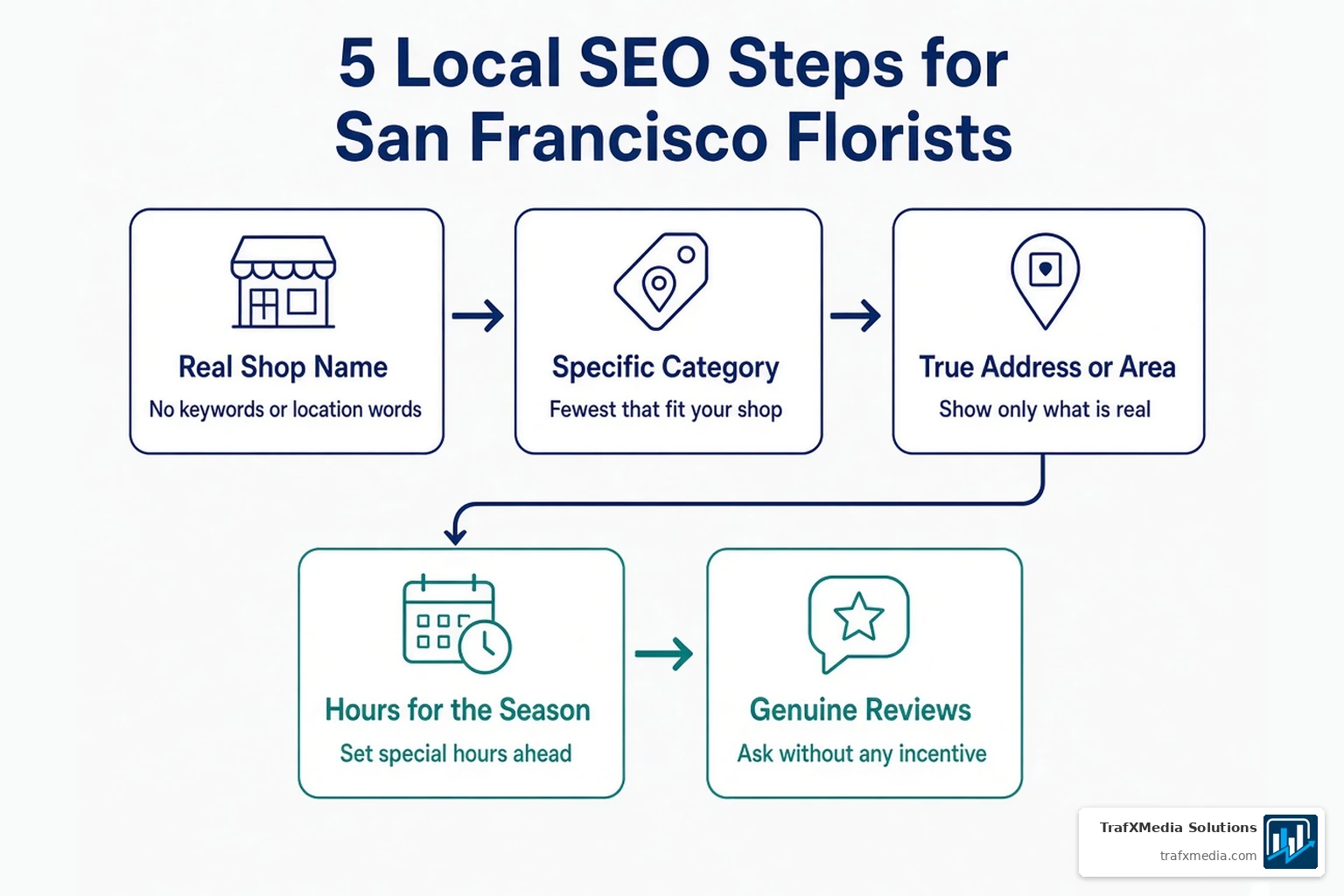
Use Your Real Shop Name, No Keywords
Type the name customers see on your storefront, your website and your stationery. Google says extra details in the name are not permitted and could get a profile suspended. Keep keywords out of the name box. Do keyword research for your website instead.
Pick the Most Specific Category
Google wants the fewest categories that describe your core business, each one narrow and exact, and none chosen as a search term. An independent florist and a wedding florist may need different choices, so read the category list inside your profile first. We name no category, since Google may change the list. If wedding flowers, weddings and events or sympathy flowers are part of your core flower business, choose what truly describes it. Resist the urge to optimize your listing by stacking extra categories.
Point Your Profile to Your Shop’s Own Contact Details
Whatever phone number or website you list should lead straight to your own shop. A local line beats a call center number. Google rules out numbers and web addresses that bounce people to some other page or line, and that includes pages set up on social media.
Plan Your Hours: Google’s Holidays and Your Own Busy Days
Google’s US holiday list, as read November 3, 2026, includes these dates for the coming season:
- Thanksgiving: November 26, 2026
- Christmas Eve: December 24, 2026
- Christmas: December 25, 2026
- New Year’s Eve: December 31, 2026
- New Year’s Day: January 1, 2027
On an official holiday, Google recommends confirming your hours, even when they match a normal day. Our holiday hours guide shows the clicks.
Two seasonal dates sit outside that list. Valentine’s Day and Mother’s Day were not in the US list we read, so Google may not prompt you for them. Treat them as your own dates: Valentine’s Day 2027 is Sunday, February 14, and Mother’s Day 2027 is Sunday, May 9. If a rush for Mother’s Day flowers means longer hours, or you shut, add special hours yourself.
- Length: a special entry covers up to 6 days in a row and leaves your weekly schedule alone.
- Setting: your profile must use “Open with main hours,” or special entries will not display.
- Do it ahead: Google reviews edits before they go live, so change hours early.
For another busy storefront, see our local SEO for restaurants post.
Storefront or Delivery Area: Tell Google the Truth
If customers walk into your shop, show its address. Google asks businesses that show an address to keep permanent signage with the business name there.
Many florists also offer flower delivery. Google’s guidelines allow a hybrid setup, with a storefront address plus a service area, when the location is staffed and able to receive customers during its stated hours. We give no distances, fees or timings. For delivery-based setups, read our service area business guide.
If you work from a home studio and have no storefront, you are a service-area business, not a shop with a public address, and that guide fits your case.
Photos and Product Details That Match Your Real Shop
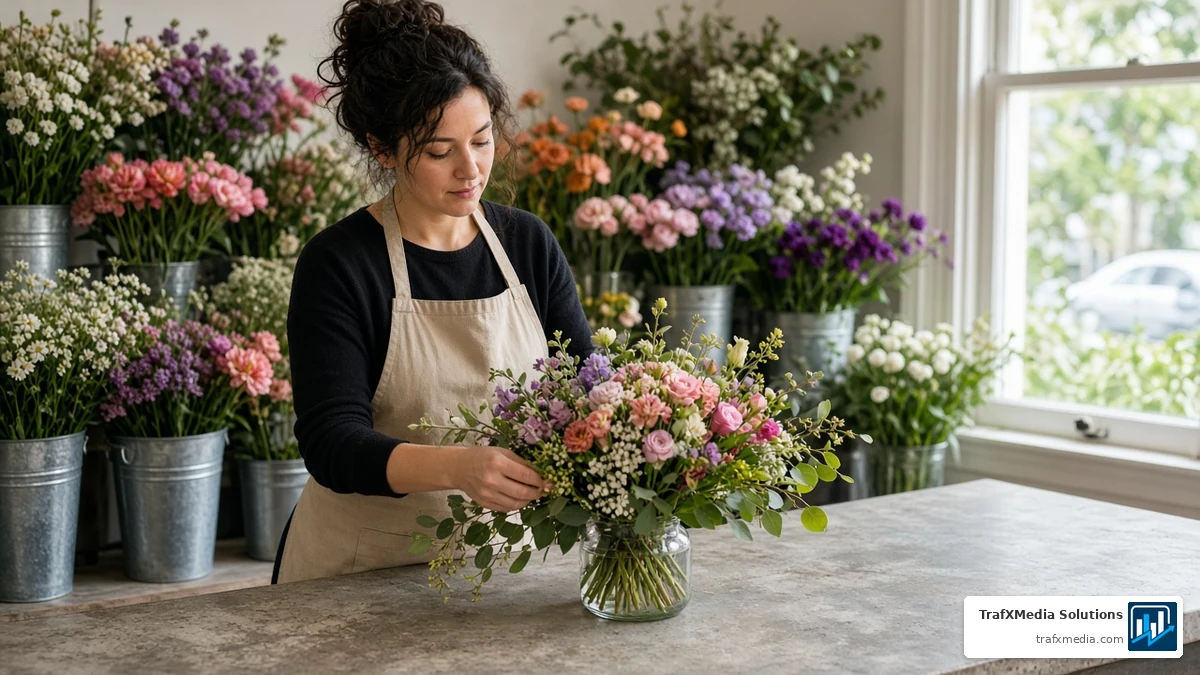
Google’s tips page says photos and videos show customers what you offer and tell your story. Show your own counter, the tulips by the till and each flower arrangement you really make. Do not pass off stock pictures as your shop.
Google also says retail businesses in eligible countries or regions can show in-store products. We make no claim that photos or products lift your search ranking or sales.
Reviews for Florists: What Google Allows
Read Google’s prohibited and restricted content policy before you ask for reviews on Google. Our Google reviews strategy post goes deeper on asking and replying. Customer reviews help build trust. When you reply to reviews, you show you value feedback, as Google’s tips page notes, so respond to reviews with care.
- Do not trade bouquets, discounts or gifts for a review, and offer nothing to have a bad one removed.
- Never discourage negative reviews or ask only for positive reviews.
- Honest requests are fine. Never lean on anyone at your counter or dictate wording.
Website Pages and Listings That Match Your Shop
Your profile should link to your website, and your florist website, part of your online presence, should repeat what the profile says: the same shop name, address and hours on a plain contact page. Write your meta description in plain words about your real shop, and keep any blog content on the same facts. If you run more than one shop, give each its own page. Do not copy a template and swap in a neighborhood, and skip “flowers in [neighborhood]” pages that exist only to catch searches. Our neighborhood pages guide shows the honest version.
Local directories that list your shop should match too, which supports local visibility, so check each directory entry. Our local citations checklist has the routine. If your site uses markup, Google’s LocalBusiness structured data page marks name and address as required and tells you to choose the narrowest subtype that fits. Our local business schema post goes further. Florist SEO, or search engine optimization, is a steady SEO strategy with no fixed timeline.
Local SEO for Florists: Mistakes to Avoid
- Adding keywords, location words or extra categories to the profile.
- Leaving out special hours for your own holiday closures or longer days.
- Showing an address or service area that is not real.
- Putting a redirect web address or referral number in the profile.
- Handing out perks in return for reviews.
- Passing off stock photos as your shop.
Frequently Asked Questions
Can I Add “Florist” or “San Francisco” to My Business Name on Google?
Only when it is truly part of the name shown on your storefront and website. Google names service and location wording as extras that do not belong.
Which Category Should a Flower Shop Choose?
Choose the most specific option in your profile’s category list that fits your shop. Use as few as you can, and never pick one just to catch a search.
Should I Add Special Hours for Valentine’s Day?
Only if your hours change, and the choice is yours, since the US list we read did not include the day and Google may not prompt you. If you open early, close late or shut on Sunday, February 14, 2027, add special hours before the date.
Is It Okay to Offer a Reward for a Review?
Google’s content policy rules out payment, discounts and free goods in exchange for a review, so a shop cannot trade anything for one. You can still ask customers for honest feedback with nothing attached.
Can I Show My Shop Address and a Delivery Area?
Yes, Google allows a hybrid profile when the shop is staffed and can receive customers during its stated hours. Read the guidelines first.
Unsure whether your profile and website agree? TrafXMedia Solutions can help you check. Reach us through our contact page.